Console
INFO
The friend method is the easiest, but also occasionally bugs out and the bot is offline. Feel free to report this in the discord if you're not seeing the game. The Bedrock Connect Public bot is more reliable, but there's extra setup steps involved before you can connect for the first time.
Friend Method
First, you will need to add
softwinds3504as a friend. This account is an alt of DoubleCheck & run by him for this SMP. Navigate toPlay > Friends > Add Friendand enter thesoftwinds3504gamertag.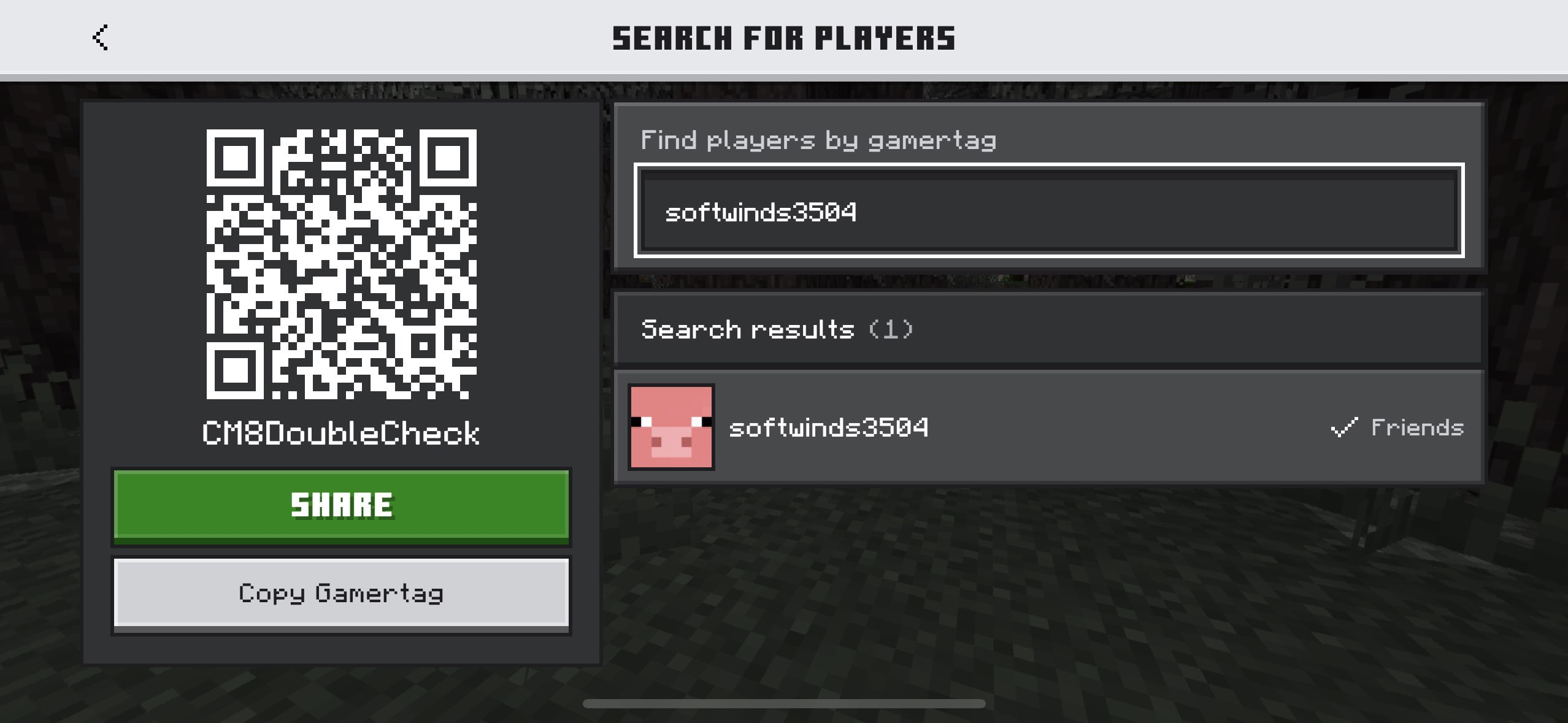
Return to
Play > Friendsand under your "Joinable Friends", you should now see DoubleCheck's SMP! Select it to join!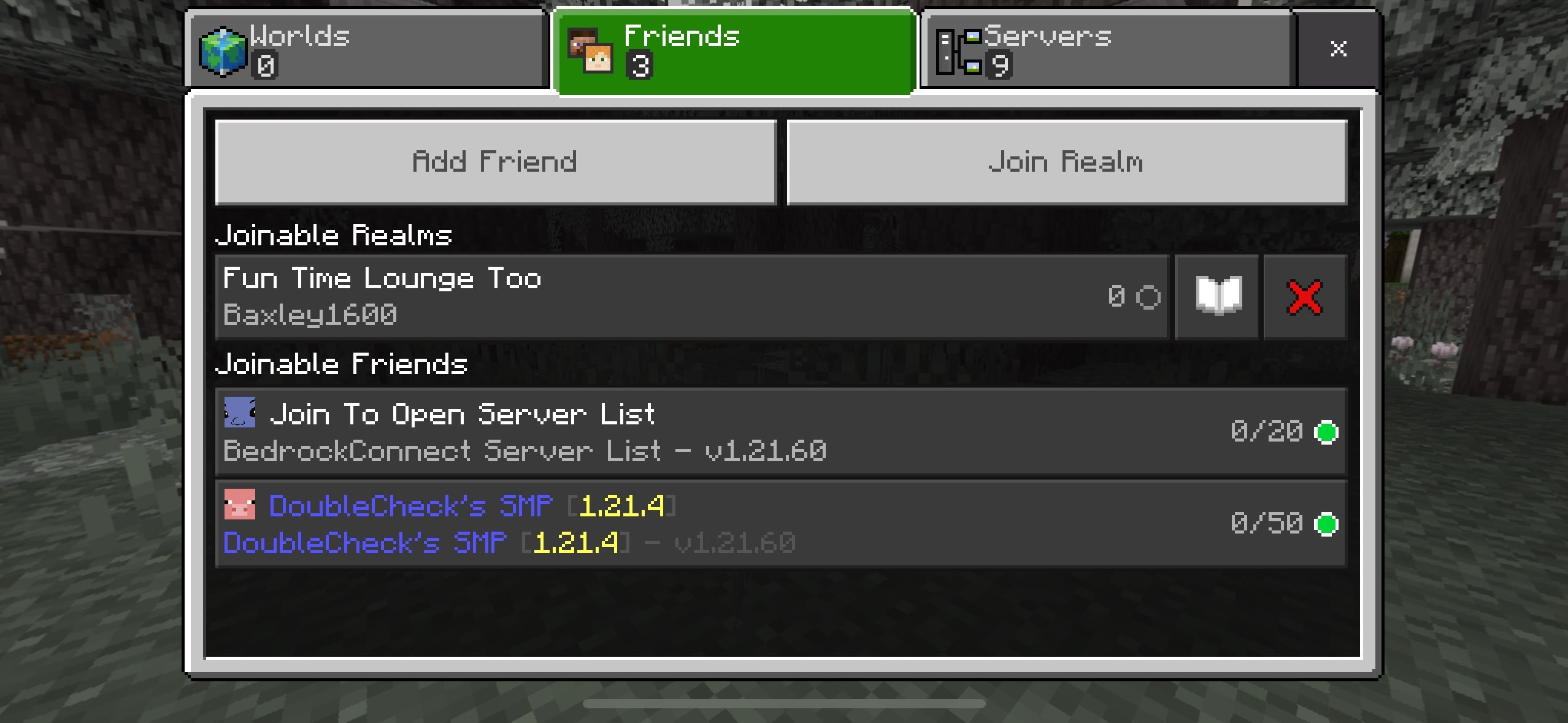
Bedrock Connect Public Bot
- First, you will need to add
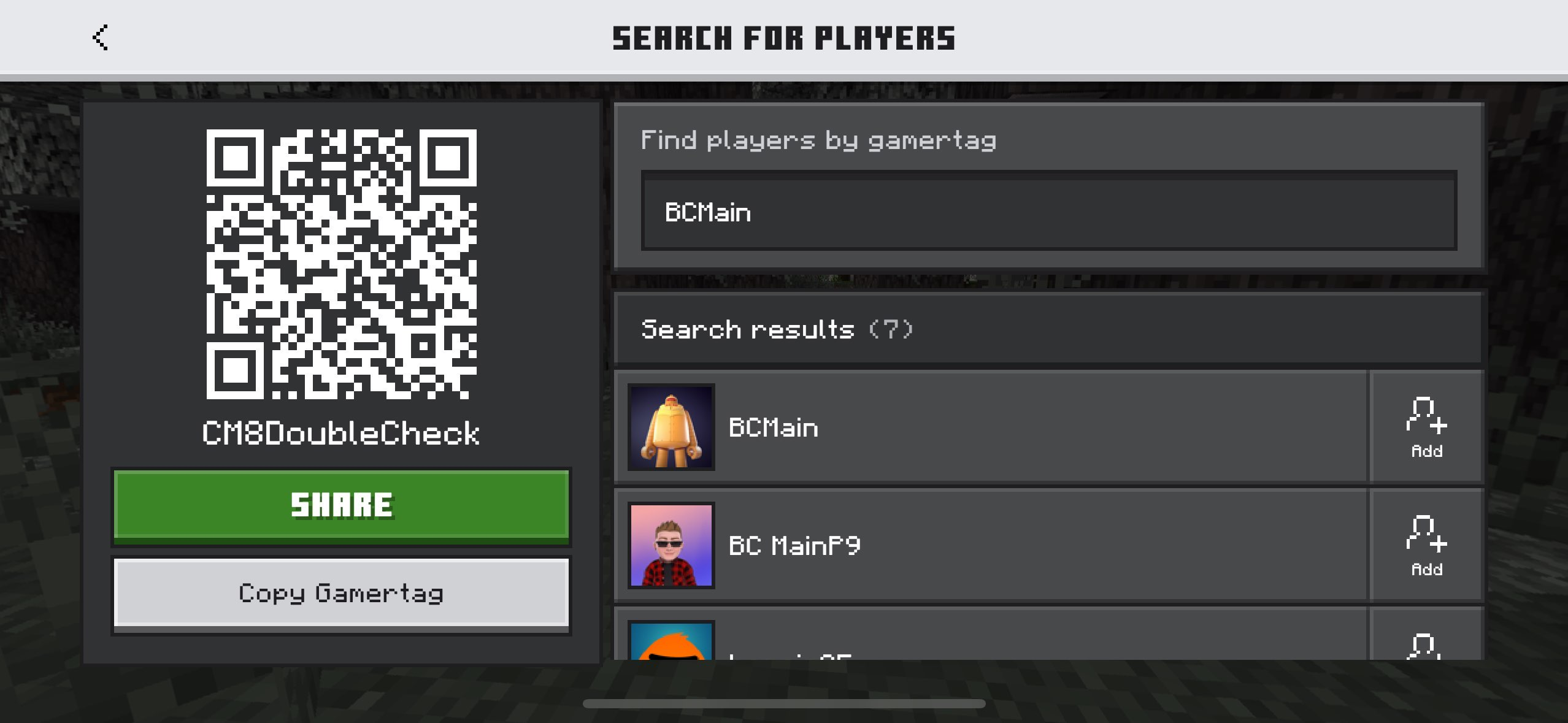
BCMainas a friend. Navigate toPlay > Friends > Add Friendand enter theBCMaingamertag.
INFO
BCMain's friend list may be full. If it is, try BCMain1. The bot will occasionally prune friends to make room for new friends. If the game no longer shows up, make sure you are still friends with one of the bots.
Return to the
Play > Friendsscreen and wait a few moments (sometimes a restart is required unfortunately). You will see "Join to Open Server List" under Joinable Friends. Select that game to join.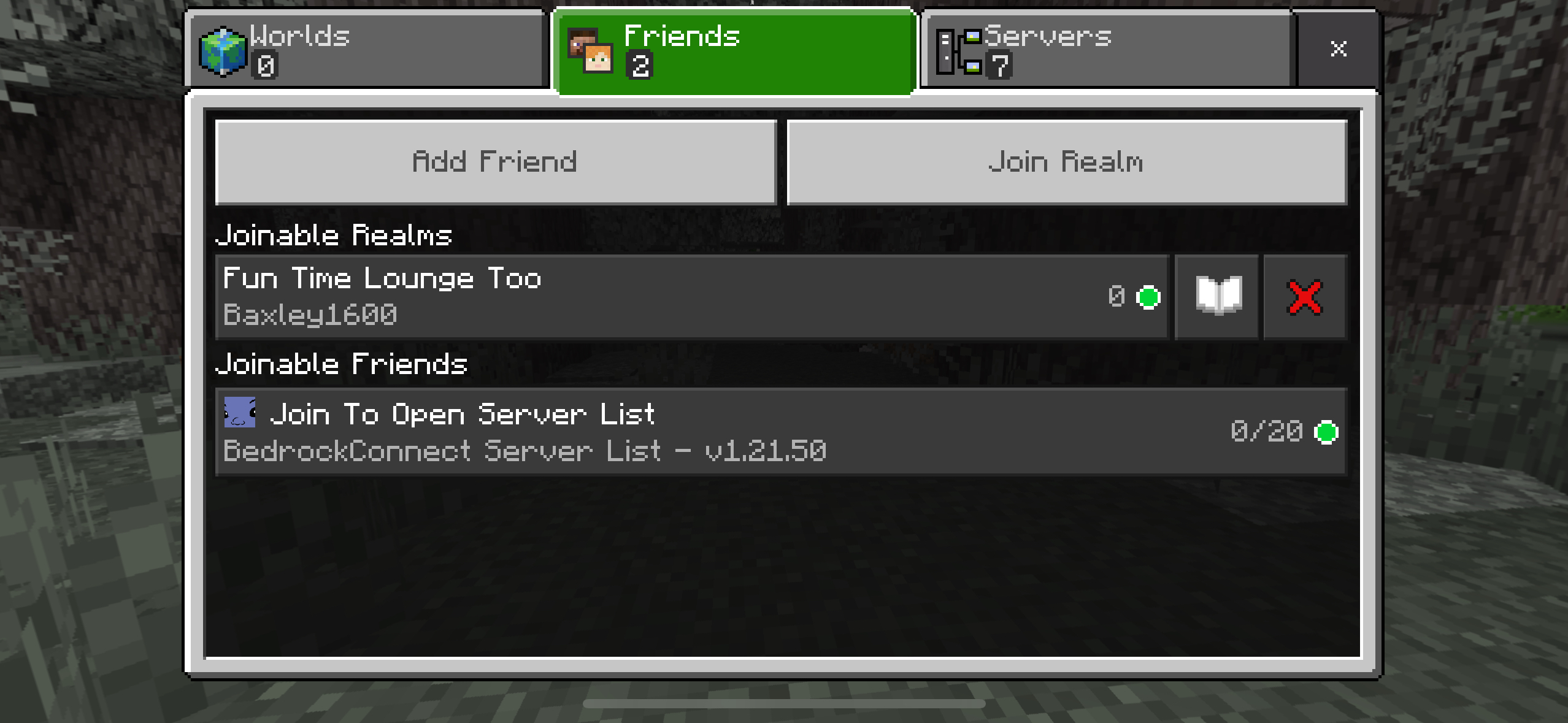
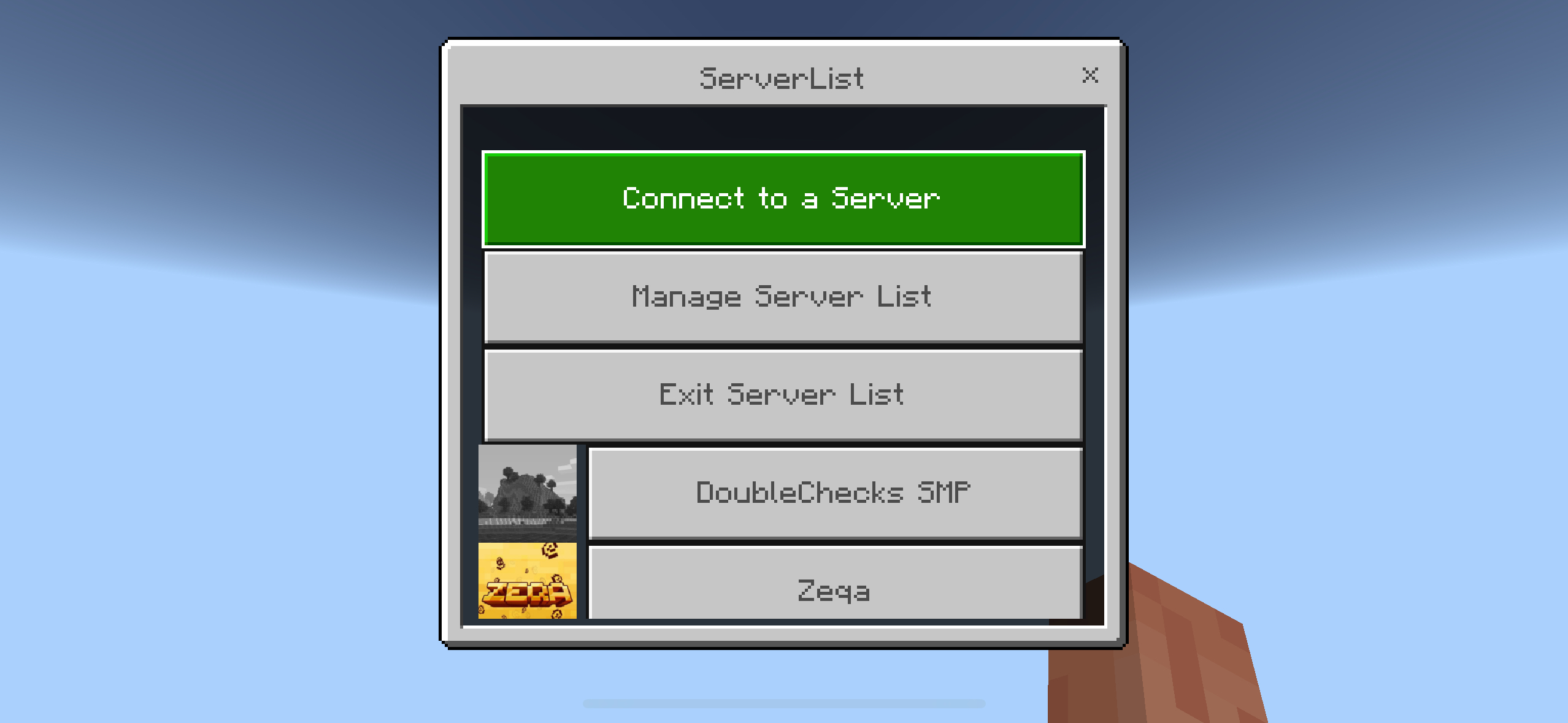
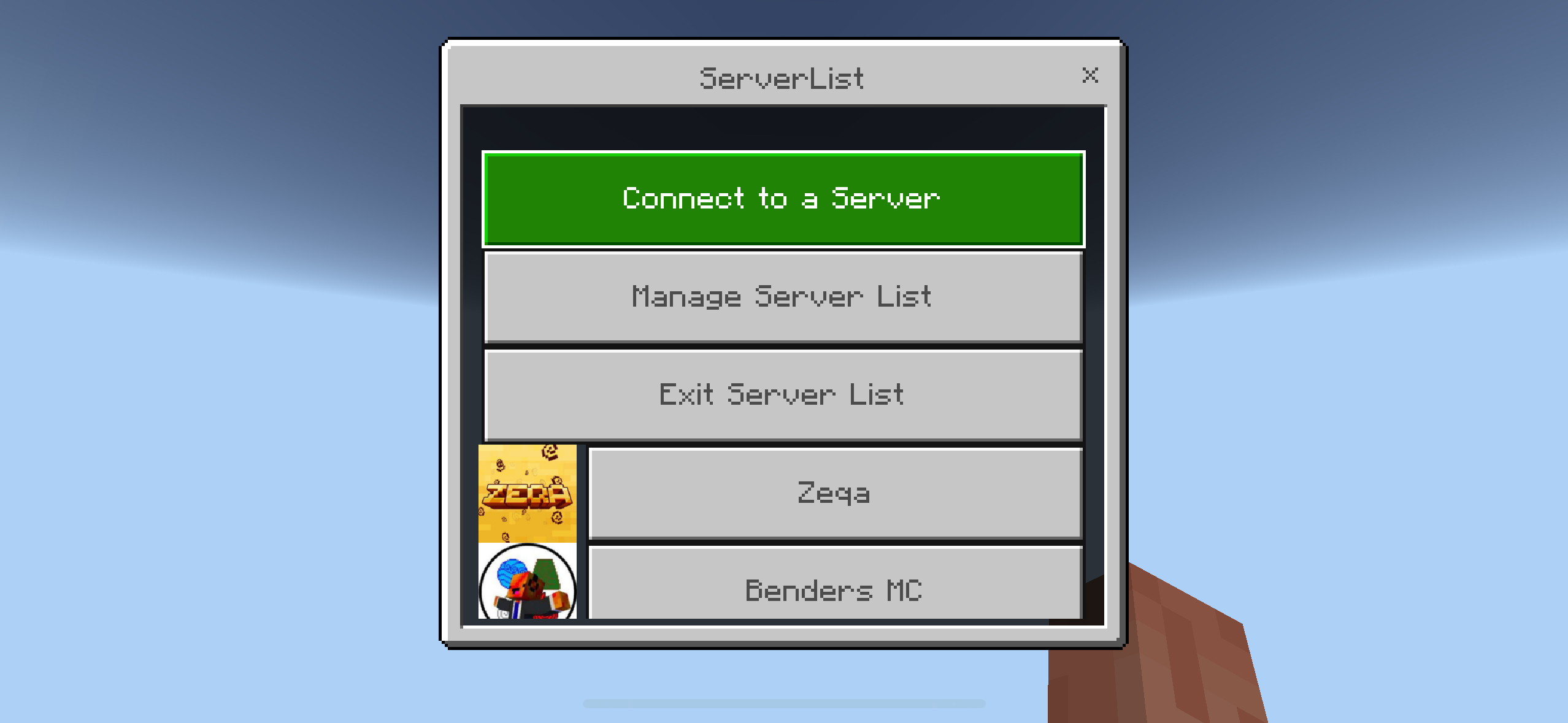
You will see a server list browser appear ion screen once connected. Select "Manage Server List" and then "Add a Server"
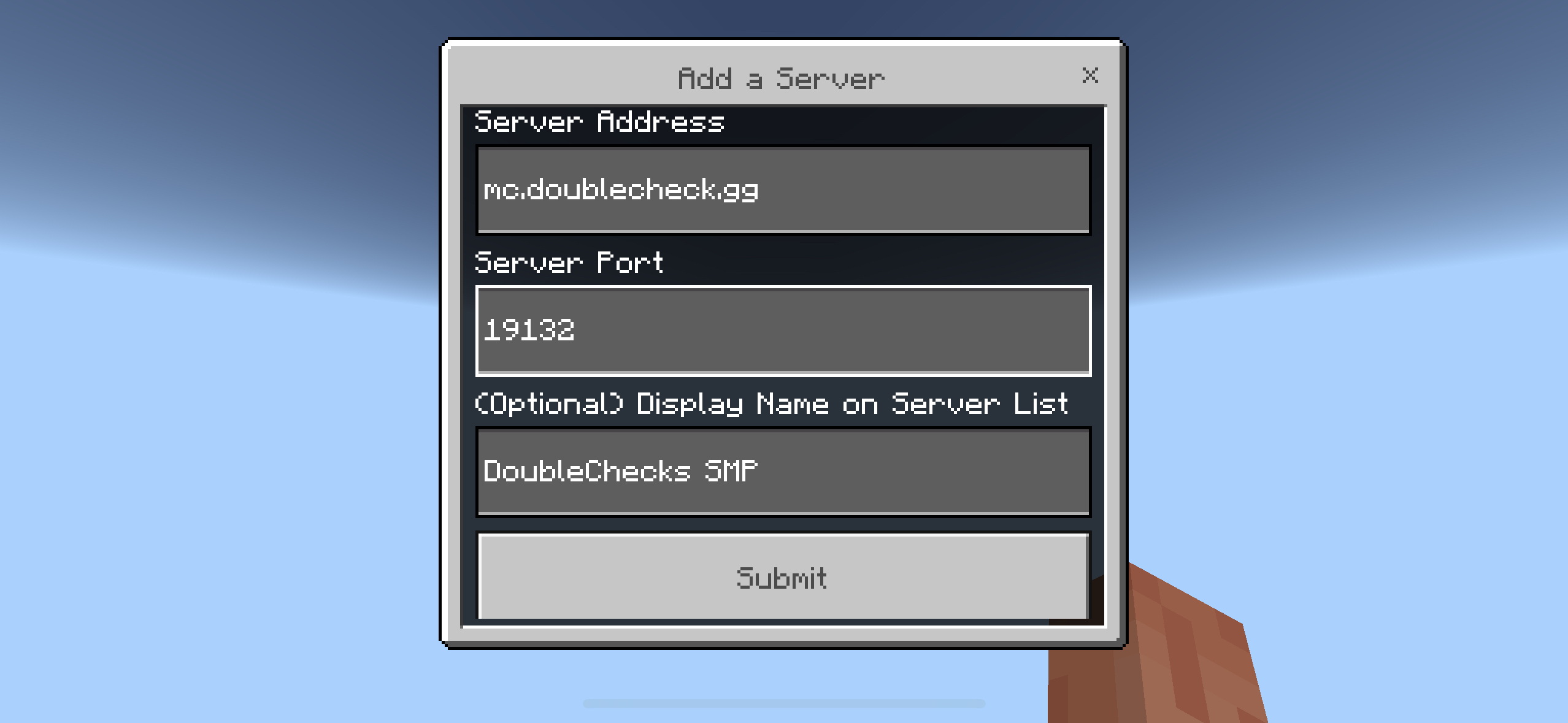
Enter mc.doublecheck.gg in the address field and leave the port at the default 19132. You can provide an optional name for the server as well.
After you submit, you can return to the server list and the SMP will now be at the top. You now have the server added & can join from the list each time you would like to play. Select it to join!